Flow
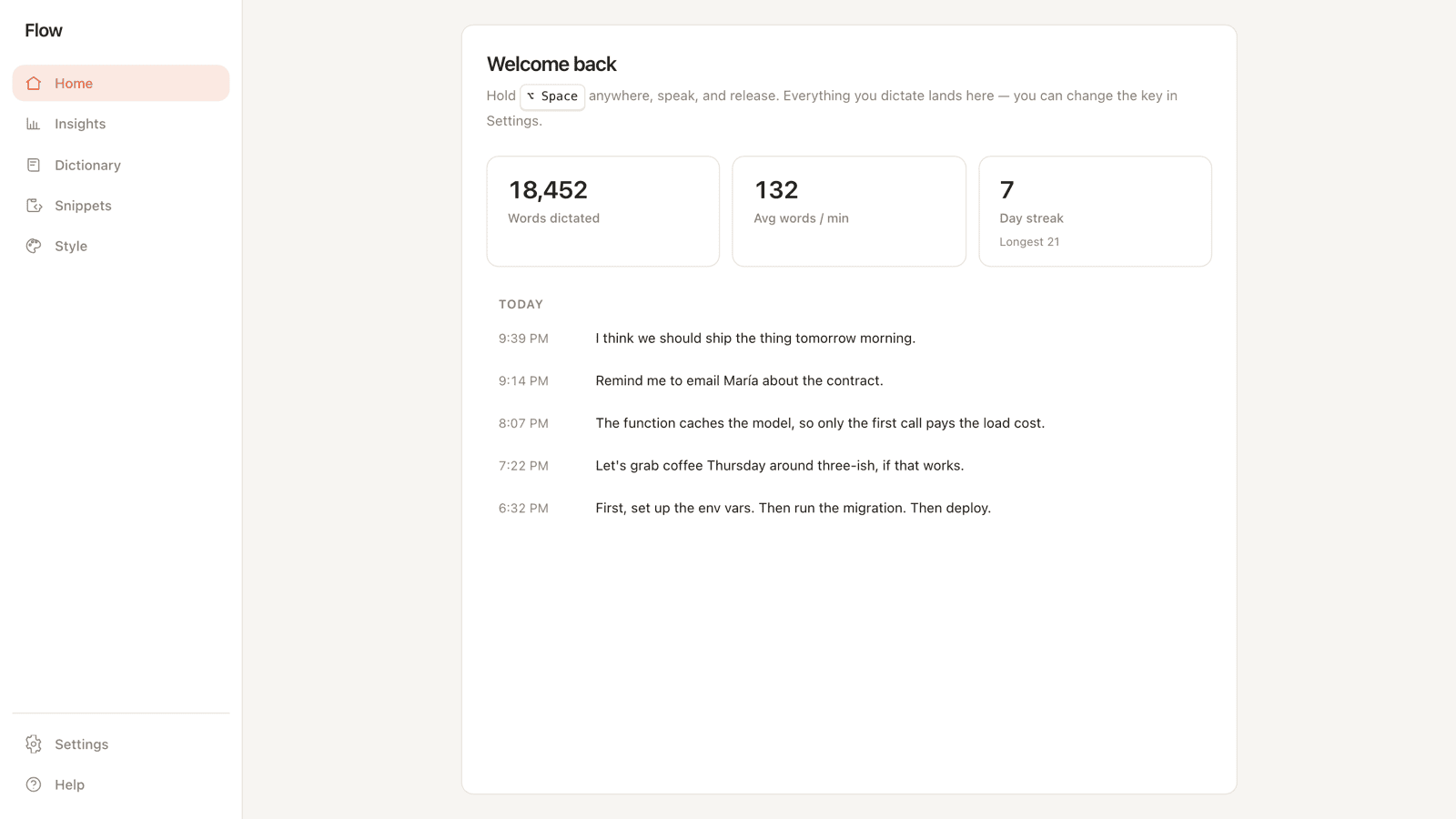
Hold a hotkey, speak, release. The text lands in whatever app you're in. Entirely offline, $0/mo.


- Cost
- $0
- Engines
- Local + cloud
- Runs offline
- Yes
- Latency
- < 1s warm
Overview
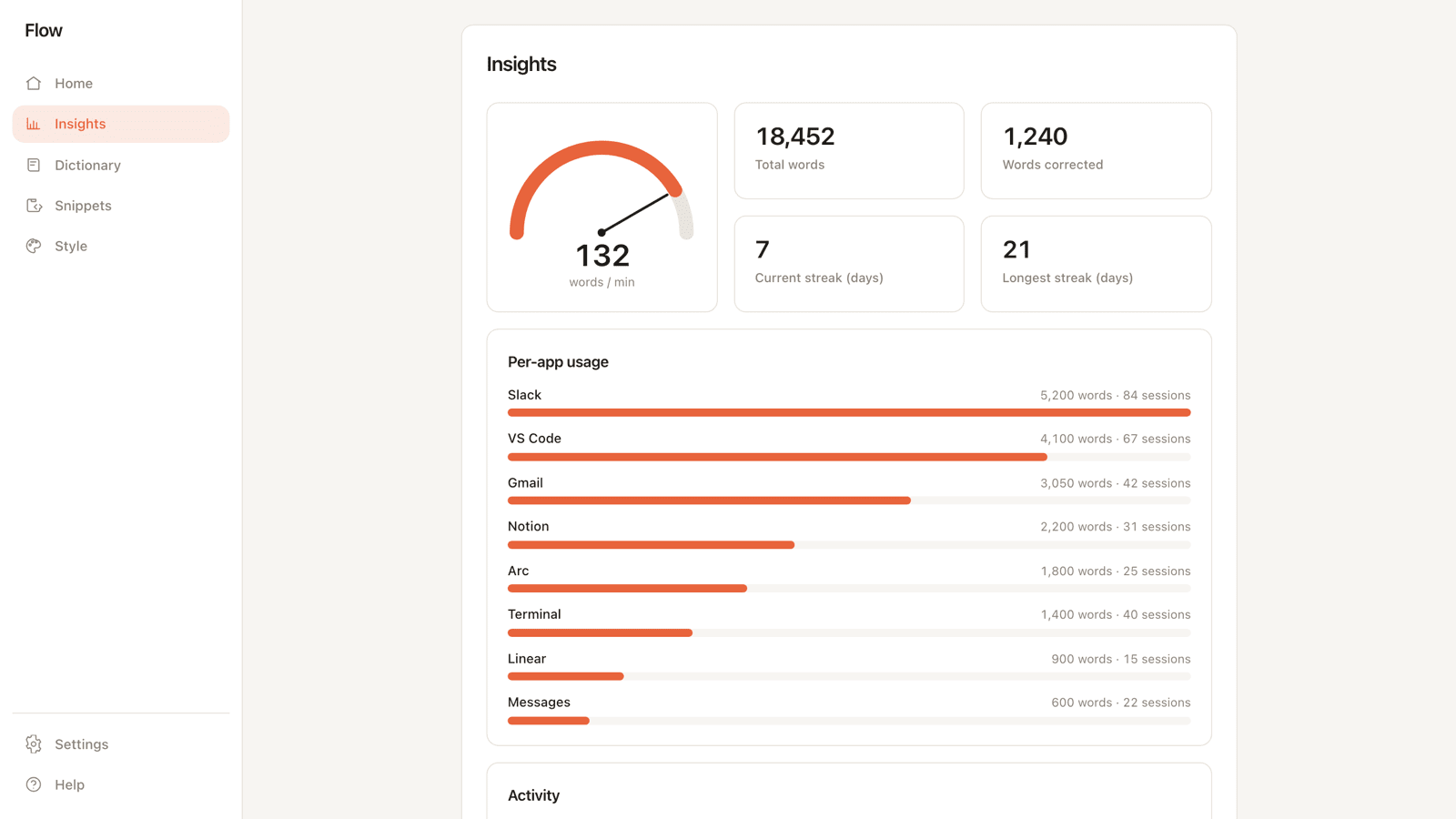
Good dictation lives behind a subscription. Wispr Flow is $15/mo, and every word you speak goes through someone else's cloud. Flow replicates that experience entirely on the machine: hold a global hotkey, speak, release, and formatted text lands in whatever app has focus.
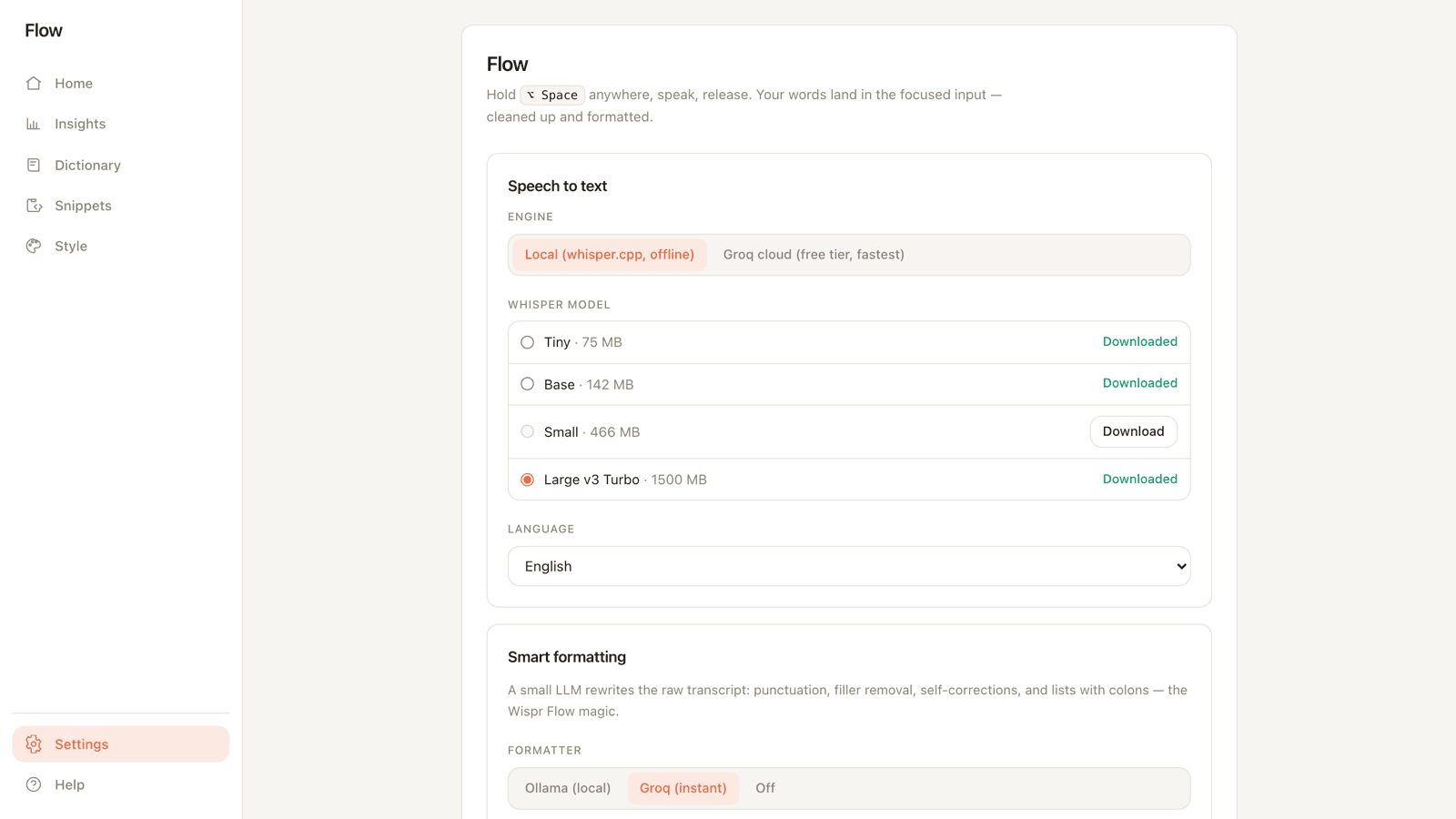
It's built by composing open-source inference offline. whisper.cpp on Metal handles transcription, a local Ollama pass cleans the text, and the result is injected without any per-app integration. The whole thing is free and works with no network.
“A $15/mo cloud product, replicated entirely offline by composing open-source inference on the machine.”
Architecture
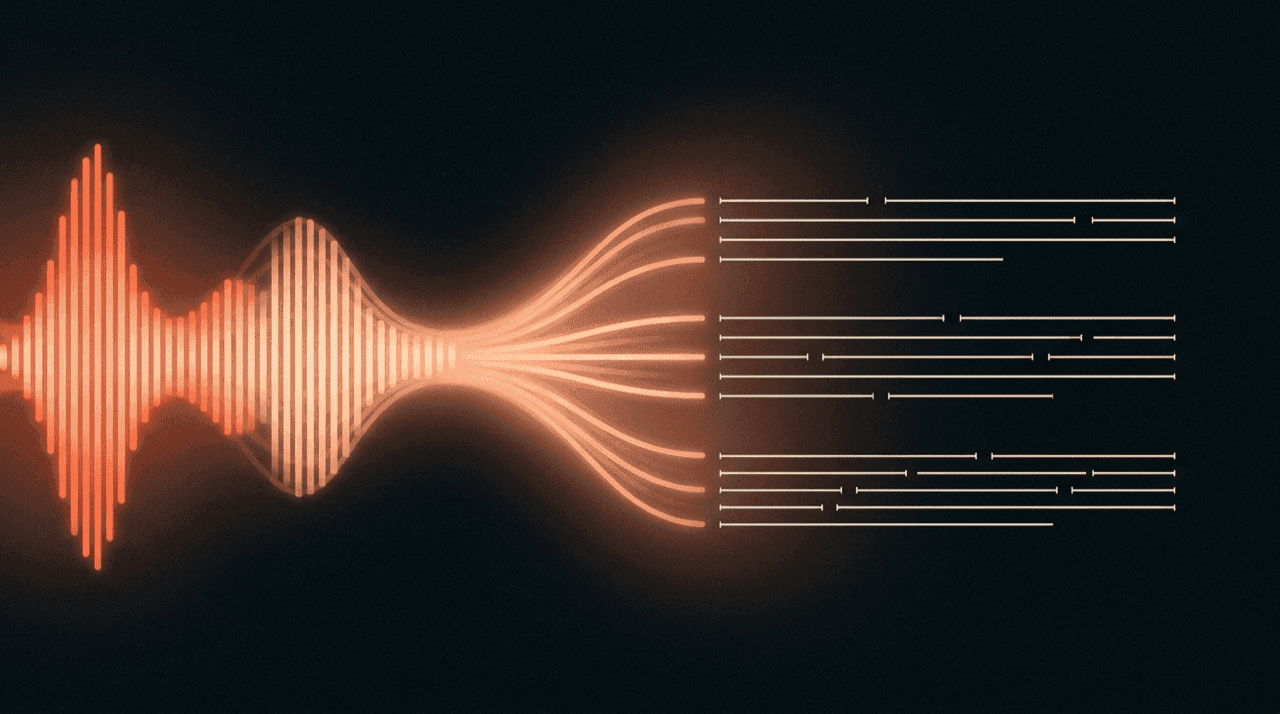
Steps 01–03 run while the hotkey is held: capture audio and transcribe it. The moment the key is released, steps 04–06 fire: an LLM formatting pass, clipboard injection into the focused app, then restoring the prior clipboard.
Steps 01–03 run while the hotkey is held: capture audio and transcribe it. The moment the key is released, steps 04–06 fire: an LLM formatting pass, clipboard injection into the focused app, then restoring the prior clipboard.
Holding the hotkey captures and transcribes. Releasing it triggers the format pass and the injection back into your app.Key features
- /01
Clipboard injection, not the Accessibility API
Text lands via clipboard plus a synthesized ⌘V, and the previous clipboard is restored after. It's the only approach that works across native apps, Electron, web views and terminals without wiring per-app accessibility hooks.
- /02
Warm Whisper, sub-second after the first run
A WhisperCache holds the Metal-initialized model between dictations. Only the first dictation after launch pays the model-load cost; every call after that returns in under a second on M-series.
- /03
Hot path never touches SQLite
Dictionary, snippets and style presets are denormalized into an in-memory PipelineConfig that rebuilds on each DB mutation. The dictation path reads the snapshot, so a write to the management UI never slows a dictation.
- /04
Prompt regression suite from source
A test suite extracts the system prompt straight out of the Rust source and asserts against it, so a casual edit to the formatting prompt can't silently drift the model's behavior.
Technical decisions
The Accessibility API needs per-app hooks and breaks inside Electron apps, web views and terminals. Clipboard plus a synthesized ⌘V works everywhere a paste works, which is everywhere. Restoring the previous clipboard afterward keeps it invisible to the user.
What I'd do differently
- /01
Move API keys into the macOS Keychain. Cloud engine keys currently sit in plain config; Keychain-backed storage is the right home for a credential on a desktop app, and it's a small migration done early.
- /02
Switch to streaming transcription instead of record-then-transcribe. Today the audio is captured fully, then transcribed. Streaming the audio into Whisper as it's spoken would cut the felt latency on longer dictations close to zero.